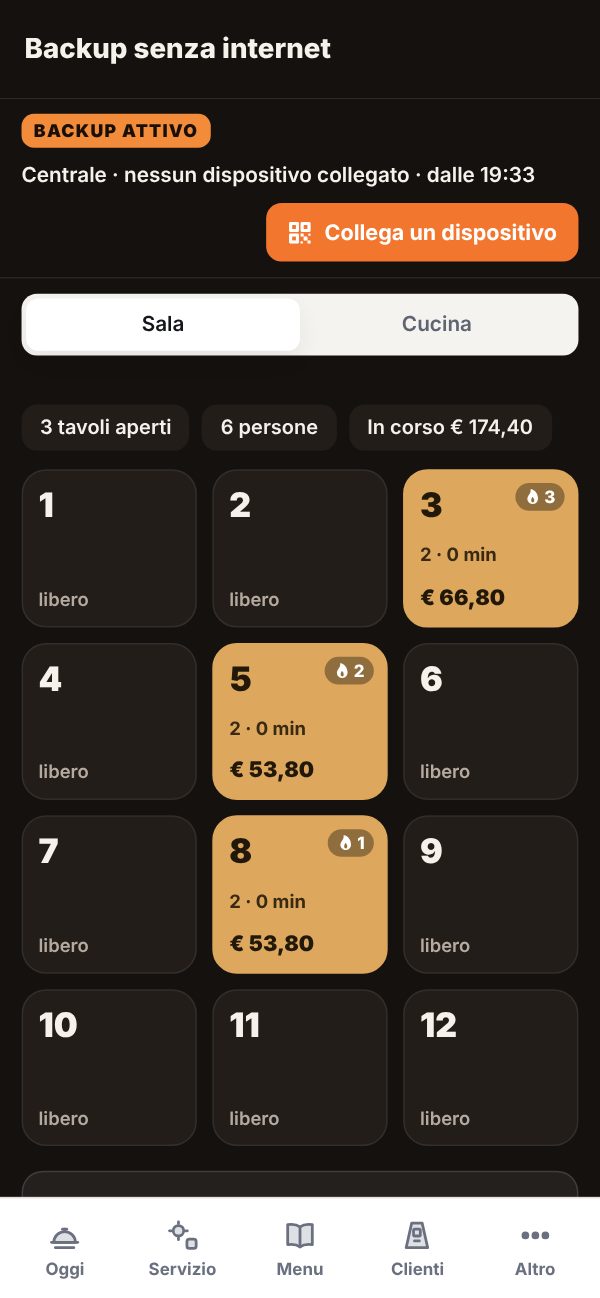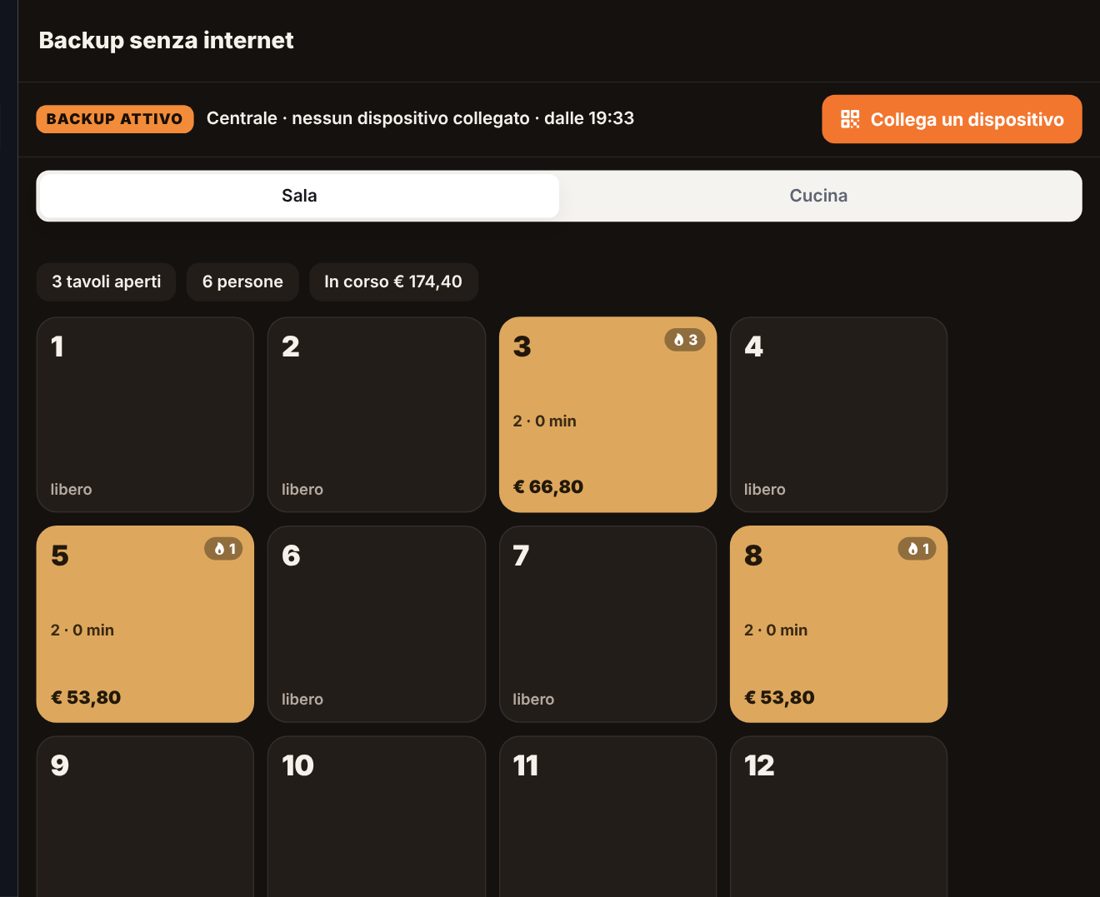
With Menuvola floor and kitchen keep working without internet: one tablet becomes the hub and the other devices connect with a QR over the restaurant wifi. Tables, orders and bills stay saved and reach the server by themselves when the network returns.
Start plan free forever · no credit card · ready in a minute
Floor and Kitchen show “Backup ready”: the service data is already saved on the device.
After 20 seconds without the server, a red alert appears with the “Start backup” button.
Usually the kitchen or till tablet: it keeps the log of the whole service.
Each device scans the hub’s QR and lets the hub scan its own. A few seconds.
The hub sends everything to the server, shows a summary and you go back to normal service.
When the line drops mid-service there is no time for explanations: the backup is one button, and no data is lost.
Waiters take orders on their phones and the kitchen sees them instantly, over the local network.
Phone ordering pauses and guests see “call the waiter”: no order disappears into the void.
Covers, extras, manual items and closed bills: when the network returns, history and takings are exact.
Every action is saved on all devices: even if a page closes, the backup is still there.
Your tablets and phones, with Chrome or Safari: no installation, no hardware.
Run a drill even with the internet on, to train your staff.
Floor and Kitchen alert you after 20 seconds. Press “Start backup”: one device becomes the hub and the others connect with a QR over the local wifi. You keep working with tables, orders, kitchen and bills.
No. The tablets and phones you already use and the restaurant wifi are enough, even with no internet: devices connect directly to each other.
During the backup phone ordering pauses and guests see “call the waiter”: staff take the order. It turns back on by itself when the network returns.
Every action is saved immediately on all connected devices. Reopening the page resumes the backup, and any device can send the log to the server.
It is included in Menuvola, even in the free Start plan, together with table ordering, floor and kitchen.
QR connection works from the web panel with Chrome or Safari, on any tablet or phone. It will come to the installed app in a future update.
Sign up free, turn on table ordering and run a backup drill with your staff.
Start plan free forever · no credit card · ready in a minute